Can I make and download a card for free?
Yes. Browse the Christmas card designs, open one you like and choose ‘Edit this template for free’. Add your greeting, inside message and signature, then download the PDF. No account or payment details are needed for free template editing and downloads.
What kind of photo should I upload?
Use a sharp, well-lit photo where everyone’s face is easy to see. For a family card, choose one photo with everyone together, and avoid heavy filters or faces hidden by sunglasses. There’s no need for a Christmas backdrop—the selected design supplies the setting. Accepted formats are JPG, PNG and WebP, up to 10 MB.
Will the people in my card look like us?
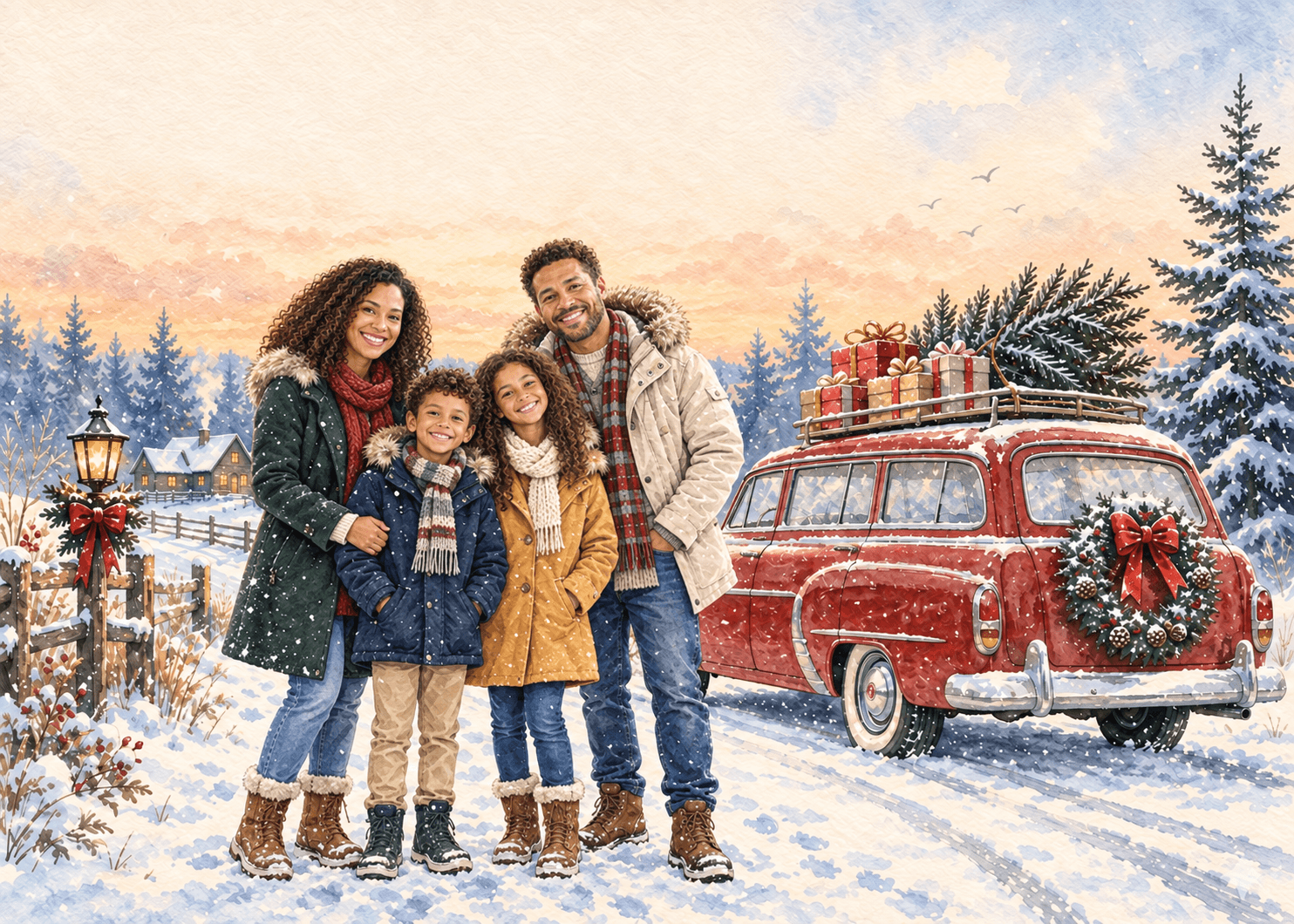
Your photo guides the people’s appearance, while the selected design guides the setting and festive details. AI aims to preserve recognizable features, but it may change clothing, poses and composition. The example shows the artistic direction, not an exact preview of your result. Check everyone’s face before downloading or sharing.
Can I change the message after creating my card?
Yes. While your card is open in the editor, you can change the cover greeting, inside message, signature and fonts without using more credits. A short shared memory or a simple ‘Thank you for being there this year’ can make the message feel personal. Download a new PDF after making your changes.
When do I use credits, and is there a subscription?
Creating an AI card uses 10 credits, and generating another version uses another 10. Message edits and PDF downloads do not use credits. Your balance and available free credits are shown after sign-in. If you need more, compare the one-time credit packs; there is no recurring subscription.
What if I don’t like the AI result, or generation fails?
For a different result, try a clearer photo or another art style; a new generation uses 10 credits. If generation fails, those credits are returned. If the error message says a refund is pending, check your balance again in 10 minutes. Still missing? Contact support with the reference shown in the error. For payment refunds, see our refund policy.
How do I send the finished card to someone?
Download the PDF and attach it to your own email or message. Or, after signing in, choose ‘Email card to myself’ to receive the cover, inside message and PDF at your account’s verified email address. You can then add a note and forward it personally—the site does not send directly to your recipient.
Will my card still be here when I come back?
Keep a copy by downloading the finished PDF before you leave. If you enable ‘Save cards on this device’, your generated AI artwork is also available in My saved cards when you sign in on the same browser and device. Saved cards do not sync across devices, and clearing browser data removes them. Our privacy notice explains how photos and saved cards are handled.