
 Joy to the World
A CHRISTMAS NOTE
— The Johnson Family
Choose a side to flip the card preview.
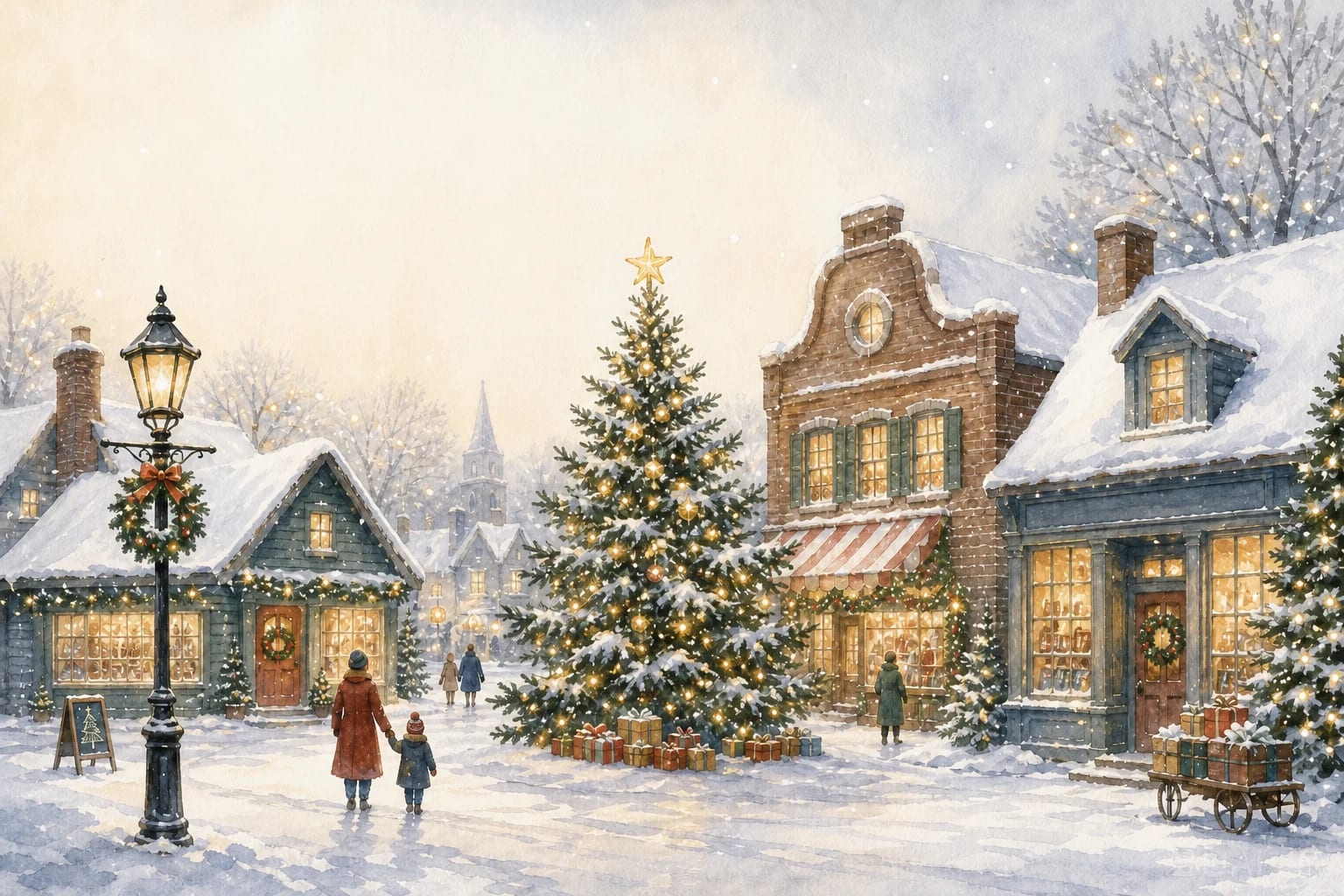
Christmas Village Christmas card
Write the cover greeting, then flip the card to refine its editable inside message.
What makes the Christmas Village card personal?
A twinkling Christmas village at dusk, painted in soft washes of blue and gold. The festive, storybook feel makes it a favorite for cheerful “Joy to the World” cards sent to a wider circle of friends and family.
How to use this template
Edit the cover greeting directly on the card above, then download your personalized, print-ready PDF — no sign-in required. Prefer to start from your own photo instead? Try the photo creation in this design’s art style.
How do you print this Christmas card?
- Size: 7 × 5 inches (landscape)
- Format: Two-page PDF (cover + inside)
- Resolution: 2100 × 1500 px cover canvas (300 PPI at 7 × 5 inches)
- Paper: Best on 250–300 gsm matte or lightly textured cardstock
Print settings for a clean result
Choose Actual size or 100% scale in your PDF print dialog. Check your printer’s supported paper weight before using cardstock, and print one test copy first.
“Actual size: Prints without scaling.”
Adobe Acrobat: adjust page size for printing
Our cover canvas is 2100 × 1500 pixels for a 7 × 5 inch page. For context, Adobe’s print-resolution guidance describes 300 PPI as a standard for high-quality prints. Final sharpness also depends on the source image and printer.